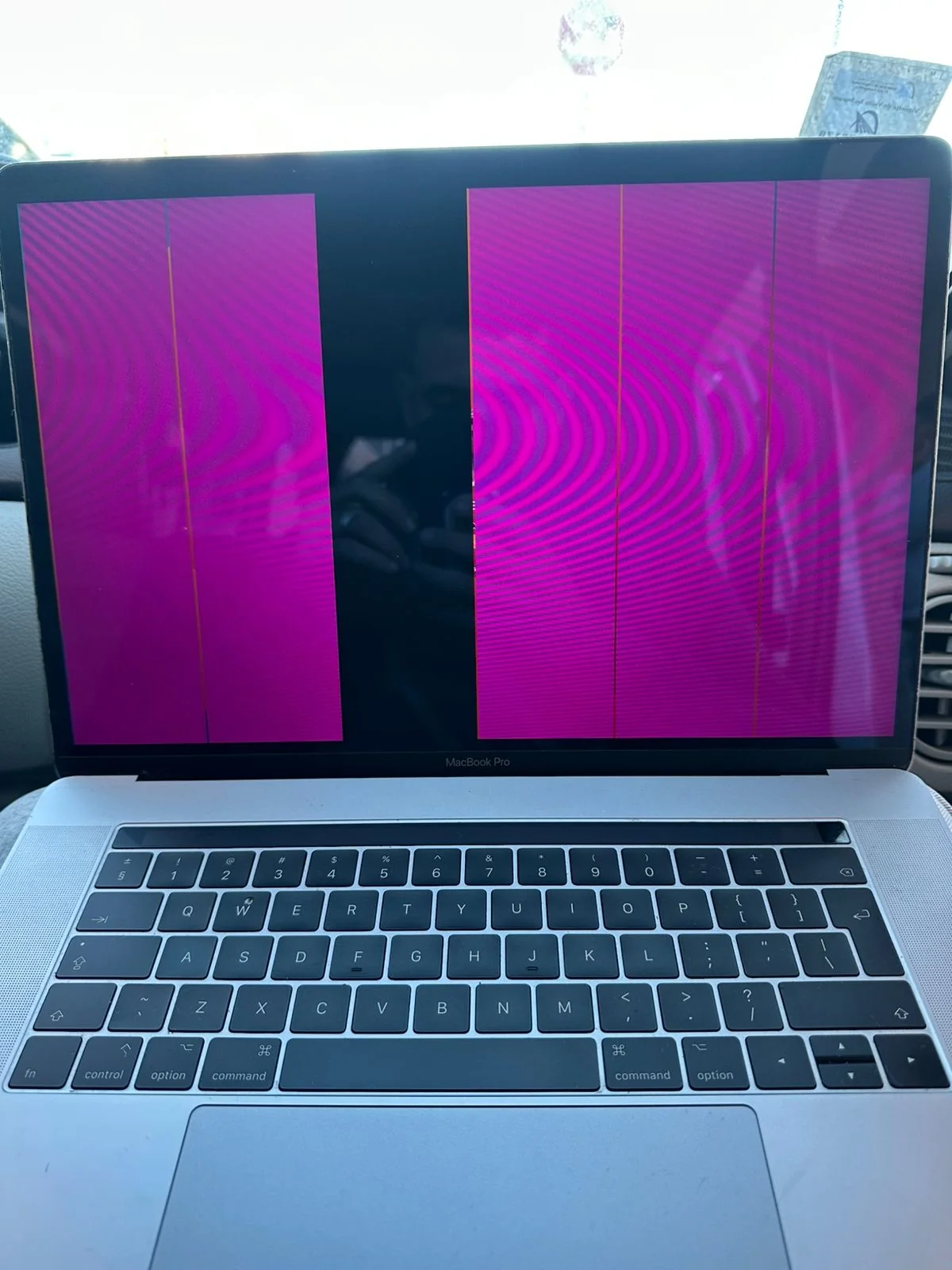
Avoid repeated power attempts
After a drop, unusual smell or liquid contact, do not repeatedly try to start the MacBook. Reapplying power can worsen some faults.
Check the charging environment
Check the outlet, cable, connector and charger condition. A dirty or damaged connector may prevent charging.
Observe the signs
Note sounds, heat, keyboard backlight, screen reaction and trackpad behavior. These clues speed up diagnosis.
Have the logic board tested
With no signs of life, the battery, charging circuit, power components or logic board may be involved. Instrumented diagnosis is then needed.
iMad Tech Marrakech
Al Abraaj Business Center, 11 January Boulevard, 2nd floor, No. 7, Marrakech 40000 · +212 6 65 96 41 50
FAQ
Can an empty battery prevent all startup?
Yes, especially when the charger or charging circuit also has a problem.
Are my files lost?
Not necessarily. Storage and logic-board condition must be assessed first.